Mini Hubs
An example using a specific kind of helmet
Use mini hubs if:
- You have too many products or options to put them in the top navigation; and/or
- The term isn’t as competitive; and/or
- You just don’t want to change the top nav
Creating a Mini Hub
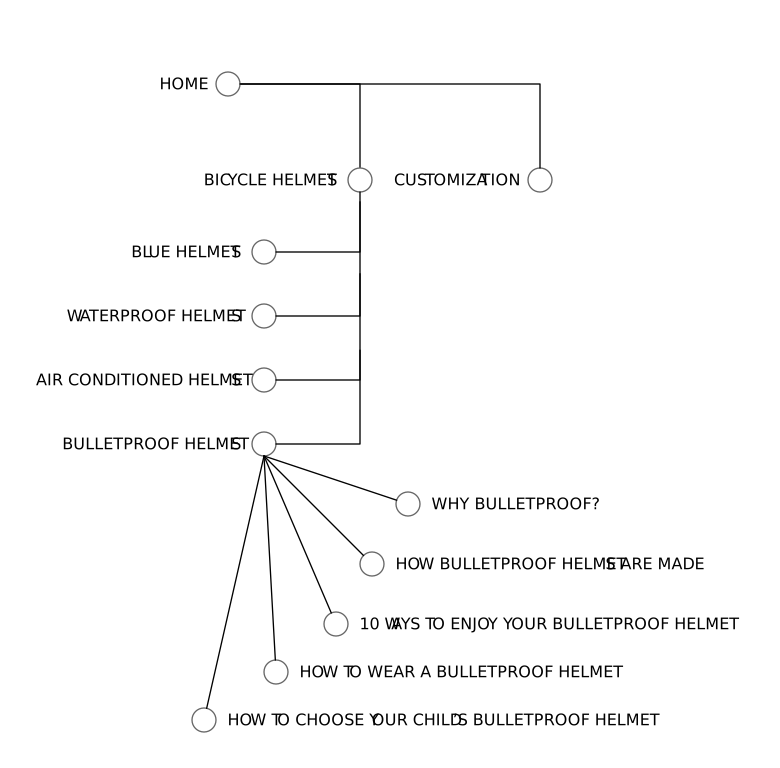
We sell bulletproof helmets. We want everyone to know we sell bulletproof helmets. But we don’t want to put that in our top navigation. We sell 25 other kinds of helmets, too. We can’t fit them all up there.
Instead, we can create a set of pages about bulletproof helmets. You might, for example, write 5 blog posts about them. Then create a clear link from each blog post back to the bulletproof helmets page. That’s a mini-hub:
The Result
We just created a low-impact hub. It won’t have the same leverage as a descriptive navigation hub. But if a user searches for advice on buying a bulletproof helmet, they might land on that blog post, and when the do, they’ll see a clear link back to the product page.
We also created a strong signal to search engines that there is one very important page about bulletproof helmets.
Mini-Hubs Are the Hardest
It’s hard to create a pure mini-hub. Remember the page speed guide example? All those pages ended up linking to each other. Mini-hubs often end up as round-robin collections of pages. They still work. But every now and then you can create the real thing.
Here’s a client site. They have a top-level product that does Workflow Automation. That’s the real target topic. But they have specific products for different platforms, like Sharepoint. We created links on many second-level pages back to each platform page:
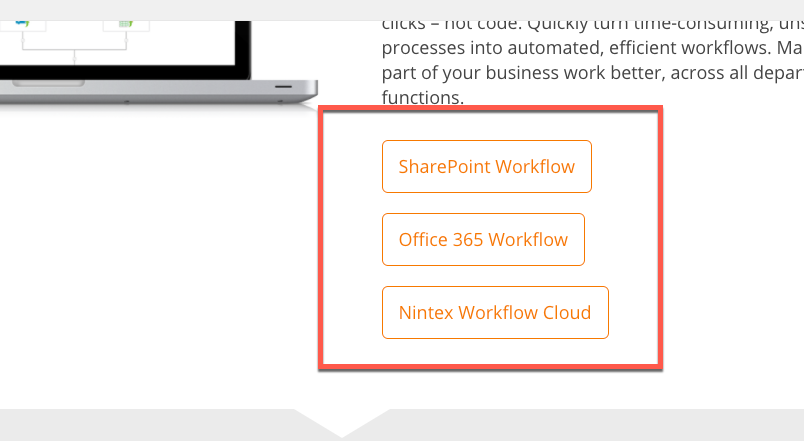
That did the trick.
On to in-context hubs.
Copyright 2019, Portent. Steal this and we kick your ass.